









You can advertise through your Google Business Profile, but you don’t do it inside the profile itself. You link the profile to a Google Ads account. That link lets your address, phone number, hours and rating show up in paid placements on Google Search, Google Maps and Waze. You pay per click, and you set the budget. This guide covers what these ads are, where they appear, how to connect the pieces, what they cost, and what to check first if you run a clinic, counseling practice or other regulated business.
Most people still say “Google My Business” for the free listing. Google now calls it the Business Profile, and the ad products that draw on it live in Google Ads. That is why the keyword is confusing: there is no separate “GMB ads” button.
TL;DR
- “Google My Business ads” means Google Ads that use your Business Profile data, mainly local ads and location assets.
- Connect a verified profile to your Google Ads account, and your ads can show your address, phone number, hours and directions button.
- There is no minimum ad spend. Local ads bill on a cost-per-click basis.
- Track calls, direction requests and form leads separately, and judge the campaign on booked appointments, not clicks.
- Healthcare, counseling and cannabis advertisers should read Google’s policies for their category before building anything.
Table of Contents
- What Google My Business ads actually are
- Where these ads can appear
- How to connect your profile to Google Ads
- What it costs
- Targeting choices that matter
- Measuring calls, directions and leads
- Restrictions for healthcare, counseling and cannabis
- Paid local ads or local SEO?
- Our perspective
- Getting help with your setup
- FAQ
- Sources
What Google My Business ads actually are
There are two things people mix up.
Your Business Profile is the free listing. Google describes it as a way for a storefront or service-area business to appear on Google Search and Google Maps. It is not an ad. Whether it appears depends on relevance, distance and prominence, not on payment.
Local ads are the paid layer. Google says local ads help businesses with a physical location or service area reach people on google.com, Google Maps and Waze (US only). They show details such as star rating, address, phone number, images and hours, often pulled from a linked Business Profile.
The practical difference:
| Business Profile (organic) | Local ads (paid) | |
|---|---|---|
| Cost | Free | Pay per click |
| How you appear | Earned through relevance, distance, prominence | Bought through bidding and budget |
| Where you set it up | Business Profile manager | Google Ads account |
| Control over timing | Low | High: budget, schedule, targeting |
| Needs a link between the two | No | Yes, location assets must be linked |
The two work best together. Ads send traffic quickly, while a strong profile with real reviews makes that traffic more likely to call. If you haven’t set the profile up properly yet, start with our guide to the ideal clinic Google Business Profile setup, or the HIPAA-safe approach to profiles, reviews and booking if you are a medical practice.
Where these ads can appear
Google’s documentation lists several placements for local ads:
- google.com: as standalone ad units or embedded within organic local modules.
- Google Maps: as square pins and within search results.
- Waze: as promoted places along a driving route.
Google also states that a business creating an account through the Maps app can appear across the Search Network, Display Network and YouTube. Smart campaigns spread across those surfaces automatically, which is simple but gives you less say over where the money goes.
Once a verified profile is connected, Google says you can use promoted pins and map search ads, plus location assets that attach your address and phone number to Search, Performance Max and YouTube ads. A small business with no website can even use the profile as the ad’s landing page in Performance Max and Smart campaigns.
Our view: a profile is not a replacement for a conversion-focused website for a clinic. Patients comparing providers want to read about services, see credentials and book. The profile gets them to the door, and a good page closes the booking.
How to connect your profile to Google Ads
The steps below describe the general flow. Menu names change, so use Google’s help pages for the current screens.
- Claim and verify your Business Profile. Location assets depend on a verified profile.
- Check the profile first. Category, hours, phone number and address should be accurate. Ads will repeat whatever is there.
- Open your Google Ads account and link the profile at the account level, or at the campaign level if you manage several locations differently. Google says advertisers need location assets linked at the account or campaign level to be eligible for local ads.
- Choose a campaign type. Search with location assets suits most clinics and service businesses. Performance Max reaches more surfaces but gives you less visibility into placements. Smart campaigns are the lightest setup.
- Set the budget and goals. Pick calls, direction requests, or form submissions as the primary action, and tell Google which matters.
- Allow time for data to settle. Expect a short delay before location data appears in ads, and recheck that it displays correctly.
One maintenance point matters more than it sounds. If the profile is ever suspended or loses verification, the location information attached to your ads can stop serving. Whoever manages your ads should also know who manages the profile.
What it costs
Google states there is no minimum spend, and you can set a daily or monthly budget cap. So the honest answer to “Does Google charge to advertise?” is: you pay when someone clicks, not for the listing and not for impressions.
For local ads in Search and Performance Max, billing uses standard cost per click. Clicks on headlines, sitelinks, map pins, action buttons (Call, Directions, Website) and clicks that open your Business Profile can all count, though only one click type is charged if someone clicks several items.
What the click costs depends on your specialty and your city. Cosmetic procedures, pain management and imaging in a large metro tend to cost more per click than a small-market home service. We won’t quote a number here, because a figure from another industry or year would mislead you. Instead, plan this way:
- Start with the value of a new patient or client. If a new patient is worth several hundred or several thousand dollars over time, you can afford a different cost per lead than a one-time service can.
- Budget for learning. The first weeks mostly show you which searches, locations and hours produce real calls. Budgets that are too small to collect data stall the campaign.
- Separate ad spend from management fees. Clicks go to Google. Management, reporting and landing pages are a separate cost, and you should know both numbers.
You can model the numbers with our Google Ads profit calculator before committing a budget.
Targeting choices that matter
For most local businesses, a few decisions drive results:
- Radius or service area. Patients rarely travel far for a routine visit. A tight radius around each location usually beats a whole-metro net, especially early on. Widen it only when the data supports it.
- Ad schedule. If nobody answers the phone after 5 p.m., calls from evening ads are wasted. Match the schedule to staffing or use a booking form that works around the clock.
- Search intent. Someone searching “pain clinic near me” is a different lead than someone reading about back pain. Structure campaigns around high-intent, service-specific searches.
- Landing page match. Send the click to a page about that service, with the phone number and booking form visible. Our notes on medical landing page elements that convert cover this in detail.
- Location structure. Multi-location practices usually do better with separate campaigns or asset groups per site, so budgets and reporting stay clear.
Many clinics come to us after spending on broad campaigns that produced clicks but few bookable patients. The fix is usually structure, not more budget: tighter keywords, a matched page, and tracking that shows which calls became appointments.
Measuring calls, directions and leads
A connected profile lets you measure in-store impact such as direction requests, phone calls and eligible store visit conversions. That is a start, but it is not the whole picture. A practical measurement setup has three layers:
- In-platform actions: calls from ads, direction requests, clicks to your website, form submissions.
- Call quality: whether the call was a new patient, an existing patient, or a wrong number. A call log or call recording tool with a clear process works well, but healthcare practices must handle recordings and form data carefully (see below).
- Booked and completed appointments: the number that pays the bills. Match leads to your scheduling system at least monthly.
A caution for healthcare: tracking and remarketing can touch protected health information. Before you add tags, pixels or call recording to pages where patients enter health details, have your compliance contact review the setup. We build tracking with that in mind, and our piece on Google Ads for aesthetic clinics shows how that looks in practice.
Restrictions for healthcare, counseling and cannabis
Some categories face extra rules in Google Ads, and the rules change. Before building campaigns, read Google’s current advertising policies for your category in the Google Ads Help Center. In practice that means checking:
- Healthcare and medicine: claims about treatments, before-and-after imagery, and some categories may be limited or require certification in certain situations.
- Mental health and counseling: targeting and remarketing based on health conditions are sensitive areas, and ad copy should not imply you know a person’s condition.
- Cannabis and related products: advertising rules are strict and vary by product and location. Confirm eligibility before spending anything.
- Your own regulators: state medical boards, licensing bodies and HIPAA still apply to what you say and what data you collect.
A disapproved ad is more than an annoyance. Repeated policy problems can put an account at risk, so it is cheaper to review policy before launch than to appeal afterward. For therapists, our step-by-step Google Ads guide for therapists walks through campaign creation with these sensitivities in mind.
Paid local ads or local SEO?
They solve different problems, and the balanced answer is usually both, in different proportions over time.
| Local ads | Local SEO and profile optimization | |
|---|---|---|
| Speed | Can start producing calls within days of launch | Typically builds over months |
| Cost behavior | Stops when budget stops | Compounds, but needs ongoing work |
| Control | High: budget, schedule, messaging | Lower: depends on ranking signals |
| Best for | New locations, new services, competitive markets | Long-term, steady lead flow |
The local 3-pack is driven by Business Profile data, and organic website rankings work on separate signals, as Birdeye’s local pack guide explains. That is why a practice with a good website but a neglected profile can be invisible on the map. Our guides to local SEO for healthcare clinics and the medical clinic SEO guide cover the organic side, and the benefits of Google Ads for medical clinics covers the paid side.
Set realistic expectations. Ads can start sending calls quickly, but a campaign usually needs a few weeks of data and adjustments before it is efficient. SEO takes longer. Neither is guaranteed, and anyone promising a fixed result is selling copy, not marketing.
Our perspective
Most of the clinics and service businesses we meet don’t have an ad problem. They have a connection problem. The profile says one thing, the ad says another, the landing page says a third, and nobody knows which calls became patients.
We start with the profile and the tracking, then build campaigns around the services that matter most to the practice’s revenue. We keep the structure tight, use pages that match the search, and report on appointments rather than clicks. For regulated practices we build with HIPAA and platform policy in mind from day one, because fixing compliance after launch costs more than doing it first.
Local ads work best when they are one piece of a system: a verified, well-maintained profile, a page built to convert, and honest reporting. That is how we approach it as a Google Partner agency, and it is why we ask about your booking process before we ask about your budget.
Felix
Getting help with your setup
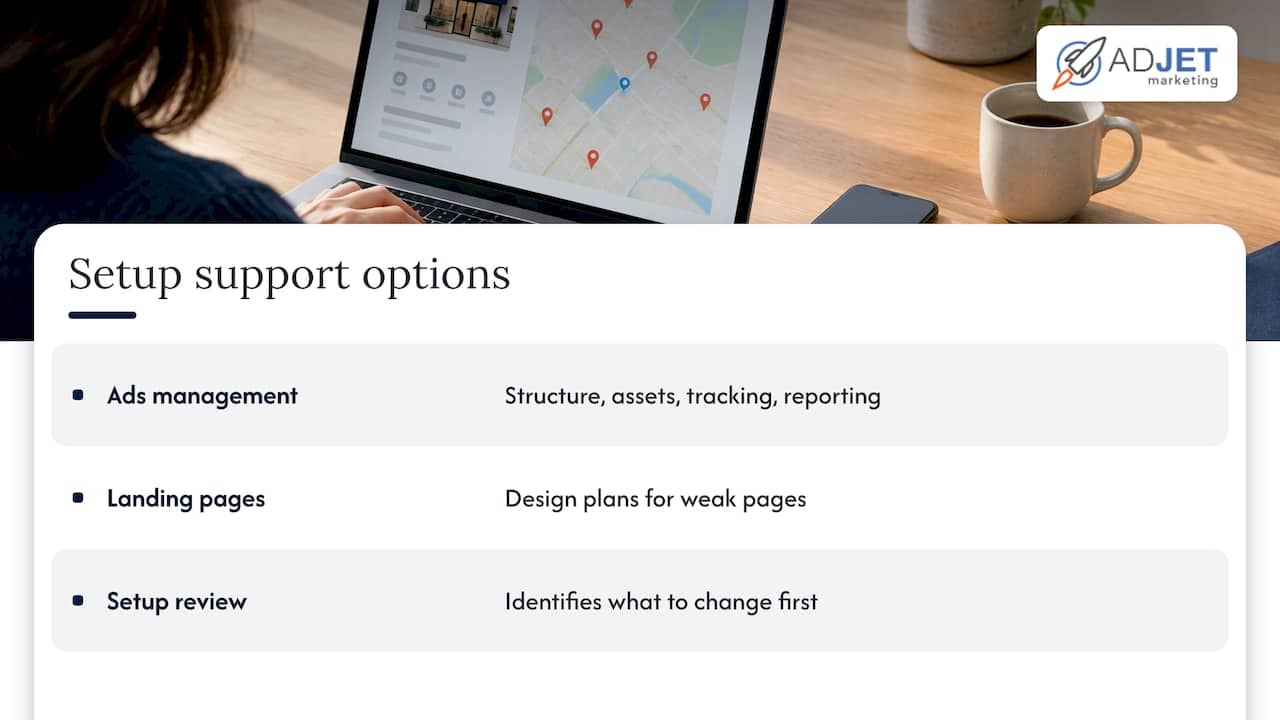
If you would rather not manage the link between your profile, your ads and your website yourself, our Google Ads management service covers account structure, location assets, tracking and reporting. If your landing pages are the weak point, see our landing page design plans. We can review your current setup and tell you what is worth changing first.
FAQ
Can I run ads directly from my Google Business Profile?
Yes, but through Google Ads. Google says connecting a verified profile to a Google Ads account enables location assets and ads on Google Maps, including promoted pins. Smart campaigns can also be created through the Maps app.
Does Google charge to advertise your business?
Listing your business is free, and ads are paid. There is no minimum spend, and you set a daily or monthly budget cap. Local ads generally bill per click.
Do I need a website to run local ads?
Not always. Google says small businesses without a website can use their Business Profile as the landing page in Performance Max and Smart campaigns. For services patients research before booking, a dedicated page usually converts better.
Why aren’t my location details showing in my ads?
Check that the profile is verified and linked at the account or campaign level, and that it isn’t suspended. Newly linked data can take a short time to appear, so recheck after a day or two before changing anything.
Sources
- About Local Ads – Google Ads Help
- Benefits of using a Business Profile – Google Ads Help
- How to set up your first Google Ads campaign – Google Ads
- What Is the Google Local Pack? 2026 Ranking Guide